
AI knowledge base
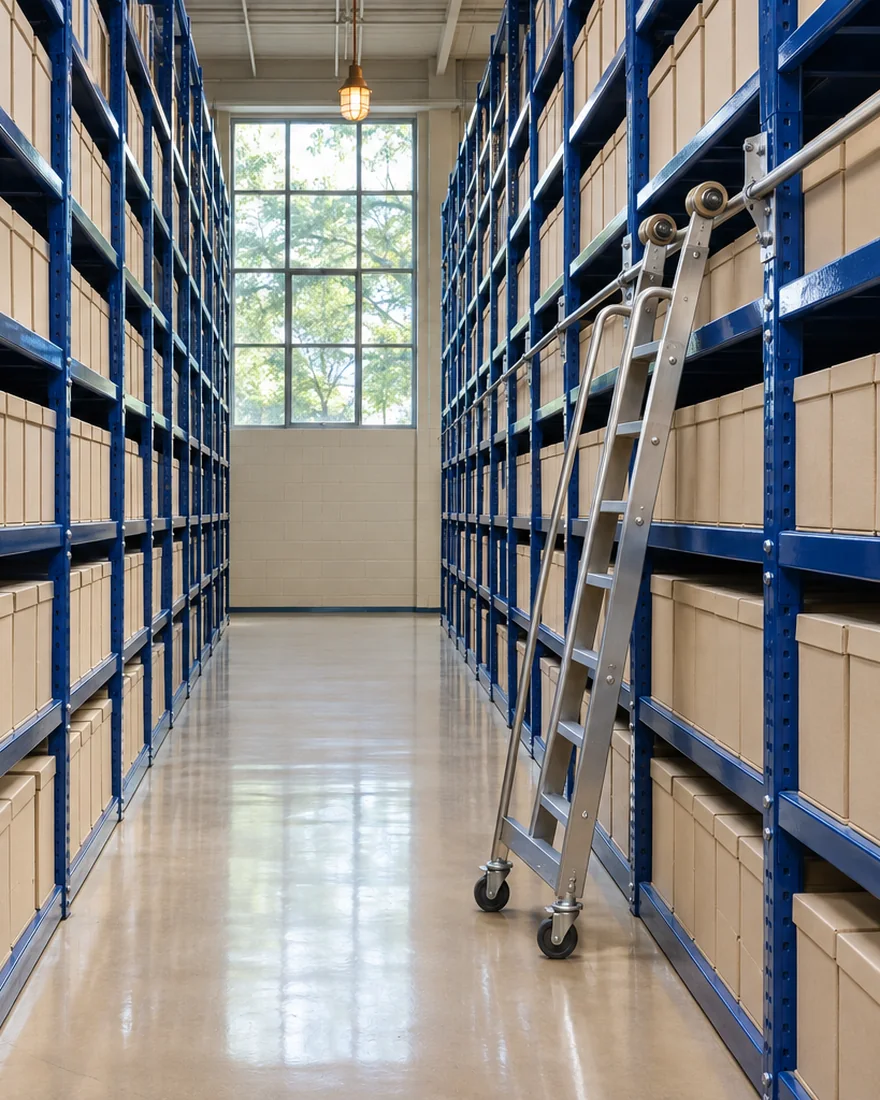
Staff get answers from approved internal documents, with the source linked.
What you get
- One place for company knowledge
- Documents, procedures and price lists in one place.
- Questions in plain language
- Employees ask in their own words and get an answer in seconds.
- Sources in every answer
- Every answer shows which document it comes from.
- example workflows
- 4
- steps in the process
- 3
- package options
- 3
Every answer comes with its source.
It answers from your documents and leaves what they don’t cover to a person.


All your documents
Procedures, contracts, price lists and e-mails.
One knowledge base
Each role sees only what it may.
Answer with its source
The document and page, every time.
A person answers
When no document has the answer.
Amber: a person decides here
What changes
- Information sits in people’s heads and inboxesKnowledge is in one place
- Questions wait for someone to return from leaveAn answer arrives in seconds
- Nobody knows which version appliesAn answer from the current version
Who it’s for
Companies with many procedures
The rules exist, but nobody can find them.
Teams onboarding new colleagues
New colleagues keep asking the same questions.
Sales and support
Answering one customer can mean opening five documents.
Included
- List of sources and access rights
- A knowledge base built on your documents
- Plain-language search
- Source with every answer
- Automatic document updates
- Training and a guide for the team
Packages
After an initial call, we confirm the scope and timeline in writing.
One department
For a department with many procedures and repeated questions.
- Up to 500 documents
- Access rights by role
- Source with every answer
- Training for the department
Organisation-wide rollout
For organisations that need one place to find information across departments.
- All departments and sources
- Integration with Microsoft 365
- Automatic document updates
- Training by department
Knowledge base and maintenance
For teams that need answers to stay accurate over time.
- Everything in Organisation-wide rollout
- Monthly answer check
- Updates for new sources
- Report on unanswered questions
Examples
| The employee asks | The knowledge base answers | Source |
|---|---|---|
| How do we handle a return after a complaint? | The customer fills in the form and the warehouse confirms the return. | Complaints procedure |
| Who approves a business trip? | The head of department, and management for longer trips. | Travel policy |
| What did we quote that customer last year? | A quote summary and three emails. | Correspondence archive |
| How is the packing machine set up? | Five steps, with a note from the service team. | Manufacturer's instructions |
How we work
List
Agree which documents to include and who can access them.
Build
Build the knowledge base and test it with the team.
Release
Training and regular refreshers.
Common questions
Does everyone see every document?
No. The knowledge base respects the access rights you already have.
What if the knowledge base doesn't know the answer?
It says it doesn’t know and directs the question to the person responsible.
Where is our data stored?
Documents stay in your Microsoft 365 environment or on a server you choose. They are not used to train public models.
How does the knowledge base stay up to date?
New document versions go in automatically, and old ones are withdrawn.
Further reading
All articles Guide · 20 Nov 2026
What is an AI knowledge base and who needs one?
Give employees one place to ask about procedures, price lists and previous answers in their own words.
 Guide · 19 Nov 2026
How to test an AI assistant before rollout
Use past cases, agree on a pass threshold in advance and get sign-off before opening the assistant to customers.
 Guide · 18 Nov 2026
RAG explained: how AI answers from your documents
See how an assistant retrieves relevant documents, answers from them and points readers to the source.